
Podcast editing software should make it easier to produce an episode you are willing to publish. Automatic cuts and clean-looking transcripts can help, but the final recording still needs to preserve the speaker's meaning and sound natural to a listener. Build your shortlist around the work between a raw recording and an approved episode.
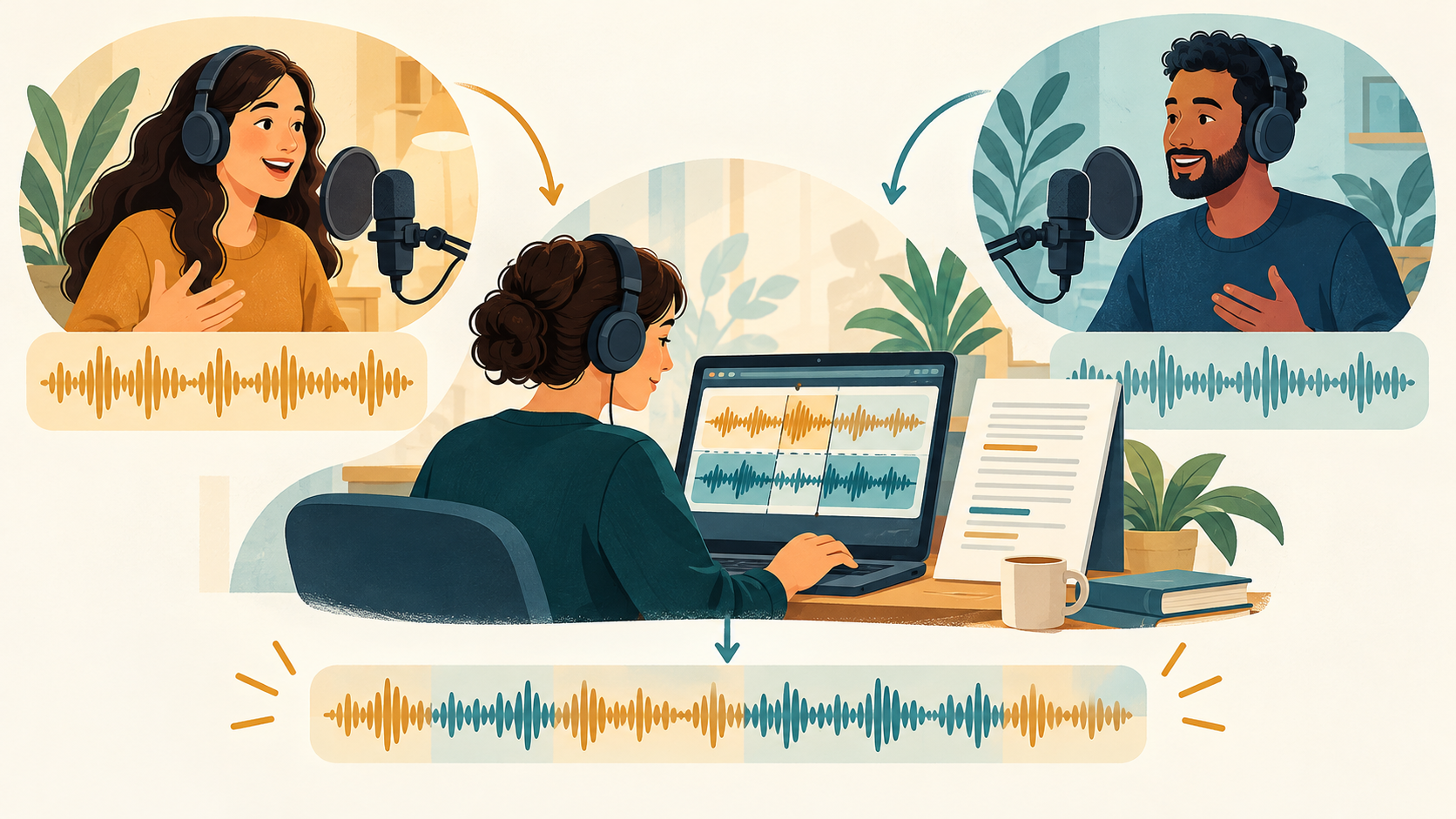
This guide proposes an evaluation for spoken podcasts, interviews, and small production teams. Product descriptions come from current official information. The workflow is editorial guidance rather than a hands-on performance comparison or a promise that AI can repair every recording.
Choose podcast editing software around the episode format
Write down how the show is recorded. A solo commentary, a remote interview, and a conversation with several local microphones create different editing problems. Note whether each speaker has a separate track and whether the episode also needs video.
Next, identify the slowest part of your current process. You may spend time finding the useful passage, correcting the transcript, balancing uneven speech, or creating an episode description. A tool that helps with a later publishing step will not necessarily fix a difficult recording at the start.
Decide which tasks you want to automate and which need direct control. For example, a transcript may help you find a long digression, while a timeline helps inspect a transition. A useful workflow should let you understand and correct the result instead of hiding every change behind a single button.
Compare transcript editing and audio cleanup separately
Descript describes podcast production with text-based and multitrack editing. It is a candidate when you want to evaluate transcript editing alongside an audio workflow. Check its current recording, export, collaboration, and account requirements before choosing it for a team.
Treat audio cleanup as a separate requirement from editorial cuts. Removing noise changes how a recording sounds; removing a sentence changes what someone says. A polished voice track does not establish that the edit is fair or that the speaker's explanation remains intact.
The site's Descript listing is a starting point for discovery. If you also need a narration component, the ElevenLabs listing covers another category to investigate. Do not assume the two products have identical editing roles or that a directory listing proves a specific integration.
Prepare an episode segment that reveals editing problems
Use a recording you are allowed to process. Choose a segment with two speakers, a pause, a false start, and a moment where someone corrects an earlier statement. These are ordinary spoken-word challenges and give you more useful information than a perfectly scripted promotional sample.
Keep an untouched copy and a short reference note describing the meaning of the exchange. If separate speaker tracks exist, preserve them. Record the changes you ask each candidate to make so that your comparison does not depend on different editing instructions.
Ask the tool to perform one task at a time. First locate a passage, then try a cut, then inspect an audio adjustment. Separating those steps helps you identify which operation introduced a problem. It also makes the result easier to explain to another editor.
Listen for meaning and natural transitions
Read the transcript to find likely edits, then listen to the audio around each boundary. A word that looks unnecessary on the page can carry emphasis or help a sentence sound natural. Cutting every hesitation may produce an uncomfortable rhythm even when the remaining words are accurate.
Check that a question still matches the answer after a cut. Listen for abrupt breaths, overlapping syllables, a change in background sound, or a pause that now feels misplaced. Repair the boundary rather than assuming the transcript is a complete representation of the listening experience.
For interviews, preserve corrections and qualifications that matter to the speaker's meaning. If the editorial goal requires a substantial rearrangement, have the appropriate reviewer approve it. AI podcast editing can support that process, but it does not decide whether an edit is fair to the conversation.
Test revisions, exports, and collaboration
Make a small change after the first edit. Add back a sentence or replace a cut with a different transition, then check whether the project remains understandable. Revision work is a better test of practical fit than a single successful automatic pass.
Export a short sample in the format required by your publishing destination and listen to that file independently of the editor. Check the beginning, end, speaker balance, and any music transitions. This guide does not prescribe a universal loudness target; follow your distributor's current specifications and your production requirements.
If a colleague will review episodes, test their actual access. Confirm what they can hear, change, and download. Check version history, storage, usage limits, and retention with the provider rather than assuming every subscription supports the same production workflow.
Keep a release checklist that fits the show
A final listening pass should use the exported episode, not only the timeline preview. Confirm names, factual statements that the show is responsible for, music permissions, and the published title and description. Correct a consequential mistake before focusing on cosmetic transcript formatting.
Keep the original recording and the approved project together according to your retention policy. Record who approved the final version. Those simple habits help when a guest requests a correction or a later edit needs context that was removed from the published episode.
FAQ
Can I edit a podcast only through its transcript?
A transcript can be useful for finding and removing passages, but listen around every important cut. The text does not fully represent timing, breath, or changes in background sound.
Should AI remove every filler word?
Judge the result by how it sounds and whether it preserves meaning. A blanket removal rule can make speech feel rushed or change the speaker's emphasis.
What should I test before paying for a team plan?
Test a real recording segment, a revision, an export, and a colleague's review access. Confirm the current plan limits for those exact tasks.
Conclusion
Choose podcast editing software through a repeatable record, edit, review, and export workflow. Keep the source, inspect the meaningful cuts, and listen to the delivered file. The best fit is the tool your team can use to produce an episode it understands and approves.