
Converting audio to text is useful when the transcript remains connected to what was actually said. A readable paragraph can still assign a sentence to the wrong speaker, lose a correction, or turn an uncertain word into a confident statement. Choose a workflow that makes those mistakes visible before the text becomes another document's source.
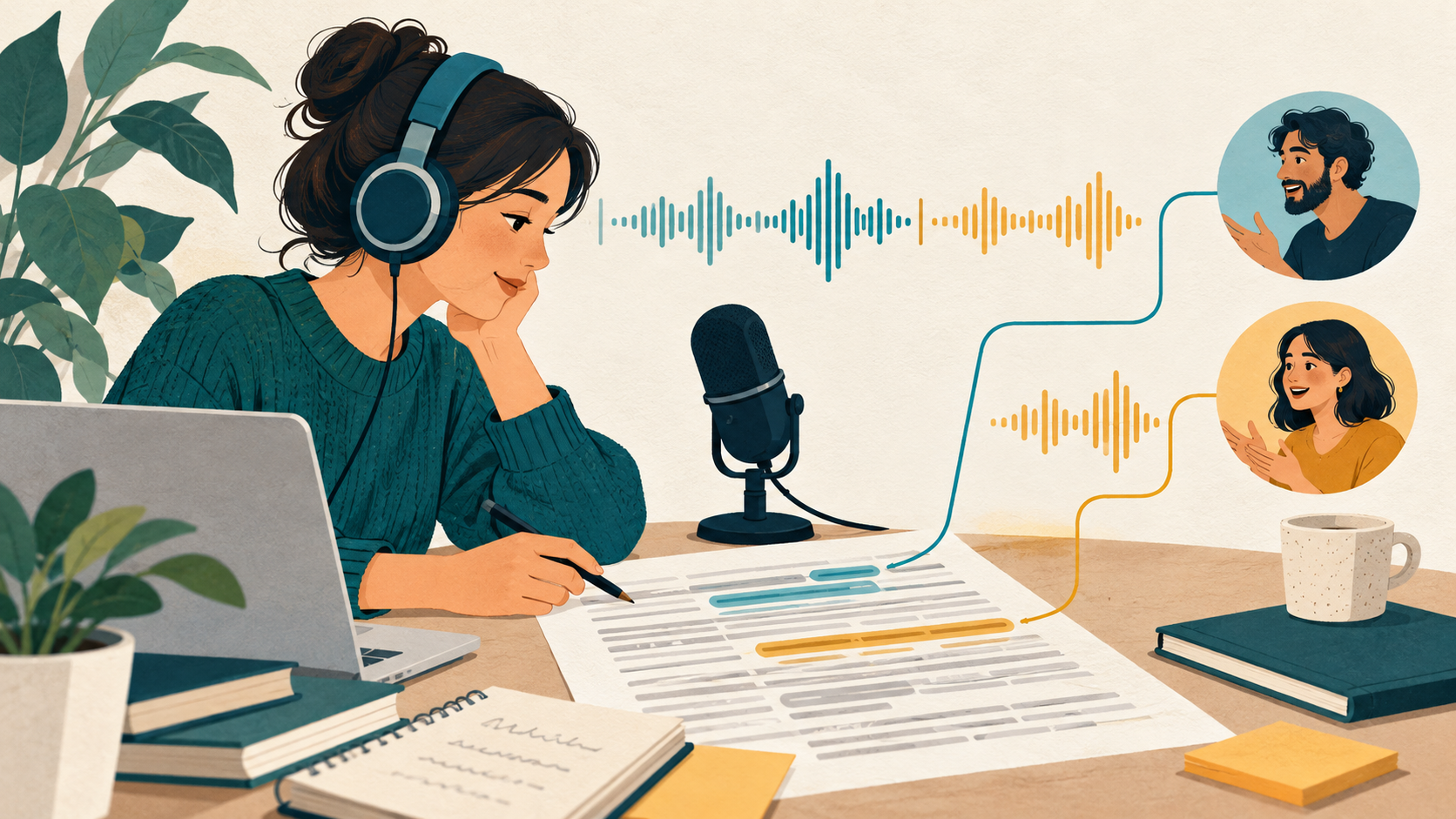
This is a practical evaluation guide for interviews, recorded talks, and ordinary work recordings. It uses current official product descriptions and proposed review steps. It does not claim a measured accuracy rate or describe testing conducted on your recordings.
Define the audio to text output before choosing a service
Decide whether you need a close record of the spoken words or an edited reading copy. A research interview may require the former, while an internal reference document may benefit from a separate cleaned version. Keep that distinction explicit so a readability edit does not silently replace the original account.
List the source language, number of speakers, expected duration, and difficult vocabulary. Note whether the recording has separate channels or only a mixed track. These details help you choose a useful pilot and identify what to inspect after speech transcription.
Check permission to process the recording before uploading it. If the material includes someone else's conversation or confidential information, follow the applicable handling rules. A convenient converter does not establish permission to send the file to another service.
Evaluate correction tools alongside speech transcription
Descript's transcription page describes converting recorded audio and video into text as part of an editing workflow. It is a candidate when you want to inspect and correct the transcript alongside the recording. Confirm current language support, import requirements, and exports for your account.
The site's Descript listing provides a starting point for discovery. You can also browse the productivity category for adjacent tools. Verify product capabilities on their official pages rather than assuming every listed assistant handles the same file types.
Test the path from a questionable word back to its audio. If correction requires searching manually through a long recording, a seemingly good transcript may still be expensive to review. Inspect what navigation and source references the actual product offers.
Prepare a sample with realistic sources of confusion
Choose material representative of the work you intend to process. Include a speaker change, a correction, a proper name, and a sentence with a pause in the middle. Avoid evaluating only a clear introductory monologue when most of your recordings contain conversation.
Create a small reference transcript yourself for the most difficult sections. Mark words that the recording does not establish clearly instead of forcing a guess into the reference. A human-produced comparison is useful only when it also preserves uncertainty.
Keep the same file when comparing candidates. Record the options selected and any processing applied before upload. Otherwise, different source conditions can make it look as if one service performed better when it was simply given easier audio.
Review speaker labels and consequential words first
Start with names, numbers, dates, and statements that another person will quote. Listen to each important passage and compare it with the text. A wrong short word can reverse meaning even when the rest of the paragraph reads smoothly.
Inspect speaker labels across interruptions and quick exchanges. Check whether the same person keeps the same identity after a pause. If you cannot reliably identify a voice, mark that limitation instead of attaching a name based only on what would make the conversation seem coherent.
Preserve corrections. If a speaker first says one date and then replaces it, the reviewed record should make the correction understandable. Avoid producing a cleaned sentence that changes a tentative suggestion into a decision. That is an editorial change rather than a simple transcription improvement.
Separate transcript review from later rewriting
Save a reviewed source version before turning the text into an article, summary, or report. The edited output can be more concise, but it should remain possible to inspect the original passage that supports a claim. Do not overwrite the source transcript with a polished rewrite.
For a quotation, check the recording again at the point of use. A transcript prepared for internal search may contain shorthand or unresolved wording unsuitable for publication. Keep a source reference and enough surrounding context for someone else to review the quotation.
Test the exported text in its destination application. Check speaker breaks, paragraph structure, and any timestamps you intend to preserve. Formatting that looks useful in the transcription tool may become confusing when pasted into a shared document.
Check retention and repeatability before expanding
Verify current file limits, billing terms, account access, and deletion behavior with the provider. Test what happens when a file cannot be processed completely. A partial transcript should be recognizable as partial, with the missing section recorded in your handoff notes.
Keep the original recording, reviewed transcript, and later edited documents clearly named. Record who reviewed consequential passages and which recording version they used. These habits make future corrections easier without requiring every colleague to repeat the entire transcription process.
FAQ
Is a fluent transcript necessarily accurate?
No. Readability does not establish that the words or speaker assignments match the audio. Inspect important passages and difficult exchanges against the recording.
Should I remove hesitations from the source transcript?
Decide the purpose first. If a cleaned reading copy is useful, save it separately from the closer source record and preserve changes that affect meaning.
Can I quote directly from an automatic transcript?
Check the original audio and surrounding context before publication. Confirm the exact words, speaker, and permission needed for the use you intend.
Conclusion
Evaluate audio to text through the transcript review you can perform, not only the first output. Check speaker labels, preserve uncertainty, and keep the reviewed record separate from later rewriting. A traceable transcript gives the next reader a dependable place to start.