
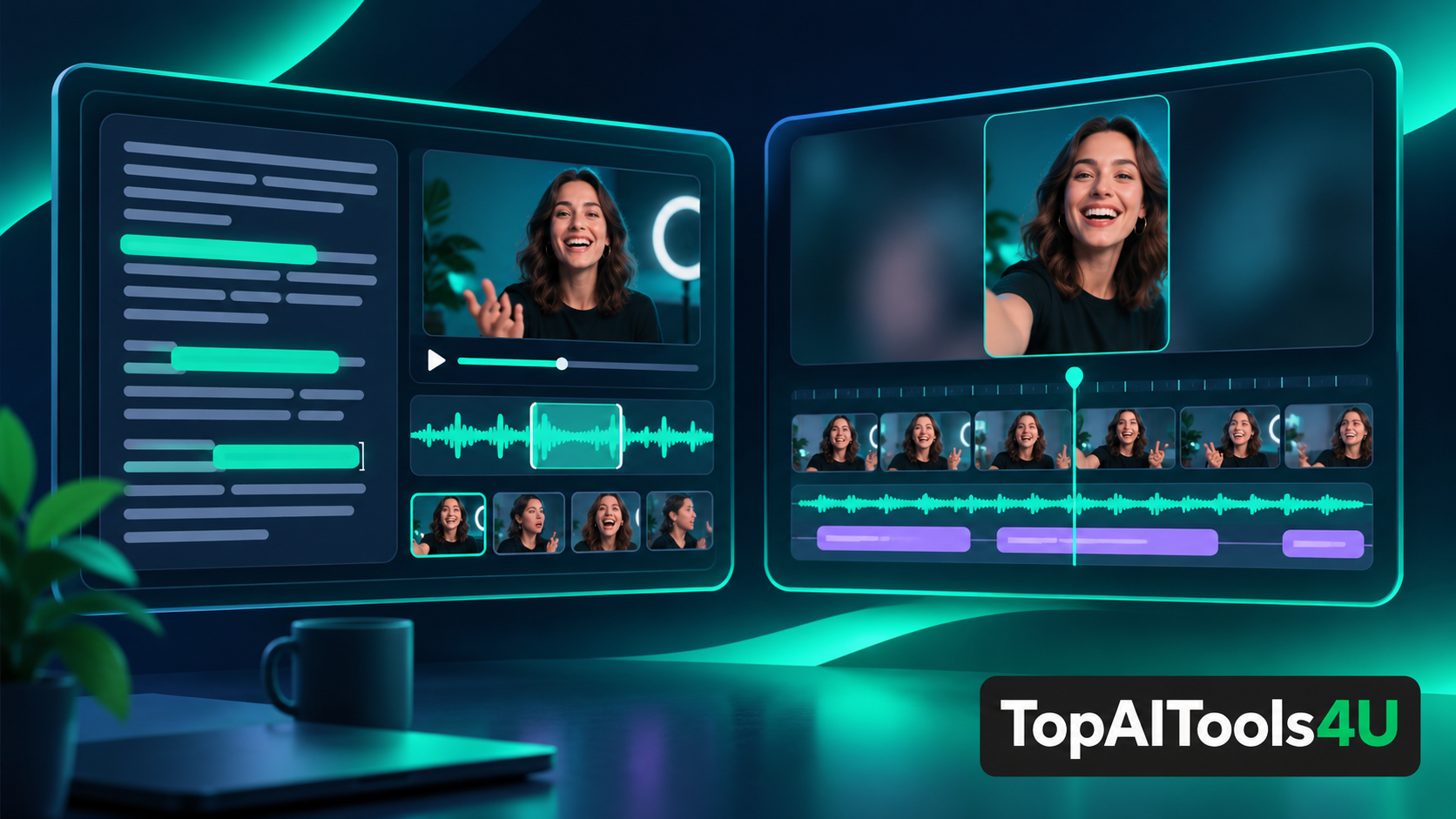
Descript vs CapCut is a choice about how a video starts to take shape. Descript invites editors to work through spoken material and its transcript. CapCut presents a broader visual editing environment familiar to creators assembling clips for social formats. Both can be useful, but the better starting point depends on the raw material, the delivery format, and who must approve the final cut.
This comparison uses the providers' public descriptions, checked on November 12, 2026. We did not edit the same footage in both products or measure rendering speed, output quality, or transcription accuracy. The verdict below is a workflow recommendation based on documented product scope.
Descript vs CapCut: the practical verdict
Choose Descript first when the central job is turning interviews, podcasts, tutorials, or other spoken material into a structured story. Editing by words can make it easier to locate a passage, remove a digression, and prepare a reviewable script. Choose CapCut first when a creator thinks primarily in shots, pacing, visual effects, and platform-ready social video. Neither choice removes the need to watch and listen to the exported result.
A team may use both, but it should decide where the authoritative edit lives. Passing partially finished cuts between tools creates extra review work. For a one-person creator, the simplest workflow often matters more than the longest feature list.
The editing unit differs
Descript describes a platform for editing video and audio through text. That makes the transcript a useful planning surface: rearranging spoken segments can become part of arranging the piece. The approach is especially understandable for a conversation that must become a shorter, coherent explanation.
CapCut presents video editing tools for footage, effects, captions, and content formats. Its visual orientation is easier to justify when timing, composition, and the sequence of shots carry the story. A montage with little speech is unlikely to benefit as much from a transcript-centered workflow.
These are starting points, not exclusive technical boundaries. Descript also has visual editing capabilities, and CapCut supports caption-related work. The distinction here is where a user is likely to begin making decisions, not a claim that either product lacks the other's entire category of features.
Transcript editing helps when words are the structure
Imagine a 30-minute customer interview that needs to become a two-minute case study. The editor first needs to identify the answer that explains the problem, the moment that shows a decision, and the quote that makes the outcome clear. Text is a natural index for that work. It also gives a reviewer something specific to comment on before the final visual polish.
But a transcript is an imperfect representation of a recording. Timing, emphasis, pauses, overlapping voices, and background context do not disappear because the words are editable. A line that looks concise on screen may sound abrupt after a cut. The team still needs an audio and visual review of transitions, not merely a clean paragraph.
For this scenario, Descript is the stronger first shortlist. That is a decision about the shape of the source material, not an independent claim that one product makes better videos.
Visual editing helps when the frame carries the meaning
Consider a product teaser made from short screen captures, close-ups, music, and a few title cards. The story is communicated by order, movement, and rhythm. A visual timeline gives the editor a direct way to assess those relationships. CapCut is the more natural first shortlist for that kind of work, especially when the final destination is a social channel.
The limitation is that attractive transitions can hide a weak message. A creator still needs to decide what the audience should understand and verify that text, captions, and audio support it. Template convenience does not establish whether a specific video is accessible, accurate, or appropriate for a brand.
A buyer should inspect the current application on the device and account it intends to use. Product capabilities, export options, and usage terms may differ by platform or change over time; this article does not promise a particular plan allowance.
Review and handoff are part of the purchase
The editing interface is only one part of a working process. Who signs off on a quote? Who checks captions against spoken language? Where are the source files kept? How is a revision requested after an export? A tool that matches the first editor may still cause friction for a team with several reviewers.
For spoken content, a script-like review may help a subject expert flag an inaccurate claim early. For visual campaigns, a frame-by-frame review may be more valuable. In either case, the final file needs a watch-through. The decision to use a text or visual surface should serve that review responsibility rather than replace it.
The Descript catalog entry and CapCut catalog entry are useful starting points for exploring each product. Confirm current features and account terms directly with the providers before committing a team workflow.
What this comparison cannot establish
We have not run matching projects in both applications. We cannot tell you which product exports faster, produces more accurate captions, or costs less for your usage pattern. A documentation-based comparison is good at narrowing the decision criteria; a pilot with your own footage is needed to test the parts that depend on actual performance.
The editorial distinction is therefore conditional. If the project changes from an interview to an effects-heavy montage, the recommended first shortlist can change with it. That is a feature of the decision framework, not inconsistency.
For a social video editing team, the decisive issue is whether the story is led by spoken explanation or visual sequence. That question determines the first trial more reliably than a general feature count.
FAQ
Is Descript only for podcasts?
No. Descript publicly positions itself for video as well as audio. The reason to consider it here is a source story organized around speech, not an audio-only boundary.
Does CapCut have no transcription or caption tools?
That is not the claim. CapCut includes caption-related capabilities. This comparison focuses on whether the team's primary decisions are made through words or visual sequence.
Which should a team test first?
Use one representative project. Start with Descript for an interview-led edit or CapCut for a visually led social piece, then review the exported result and handoff process before purchasing more seats.
Conclusion
Descript vs CapCut turns on the editing unit that matters most. Transcript-led storytelling makes Descript a sensible first trial; visually driven short-form work makes CapCut a sensible first trial. Verify current account features, complete a small project, and judge the full review workflow rather than the editing surface alone.