
A PDF summary generator can make a long document easier to approach, but the useful output is a summary you can verify. Before relying on its conclusions, check whether each important statement leads back to the right passage and whether the document's qualifications survived compression. A short answer without that trail may create another reading task instead of saving one.
This guide proposes a pilot for researchers, students, and content teams reviewing ordinary documents. It is based on current official product information and editorial evaluation criteria, not hands-on accuracy measurements. The examples describe checks to perform, not results obtained from a particular product.
Choose a PDF summary generator for a defined reading task
Write down the question the document needs to answer. Summarizing a product manual for setup steps is different from comparing the assumptions in a research report. A document summary that covers every chapter evenly may still miss the section that matters to your decision.
Specify the intended reader and the desired scope. Ask for the purpose, main findings, important limitations, and unresolved questions rather than simply requesting a shorter version. If the document does not answer the question, an acceptable summary should say so. It should not borrow an answer from unrelated background knowledge without identifying that change of source.
Choose a file you can manually inspect during the pilot. Include a table, an exception to a main rule, and a conclusion that depends on an assumption. Those features help expose whether compression changes the meaning, without requiring an artificial benchmark or a large document collection.
Check the available source references before uploading a collection
Adobe Acrobat AI Assistant presents document questions and summaries as part of its PDF workflow. It is a candidate to evaluate for this task. Confirm current file requirements, account access, and supported reference behavior in the product you would actually use.
A PDF summarizer should be judged separately on ingestion and explanation. First verify that the text was read in the correct order. Then check whether the answer represents it fairly. A clean-looking summary cannot establish that a scanned page, a footnote, or a table was interpreted correctly.
For related discovery, browse the site's research category. Build a small shortlist around the kind of documents you read, then verify the current features with each provider. Do not assume every general assistant handles references or scanned files in the same way.
Compare claims with the surrounding paragraph
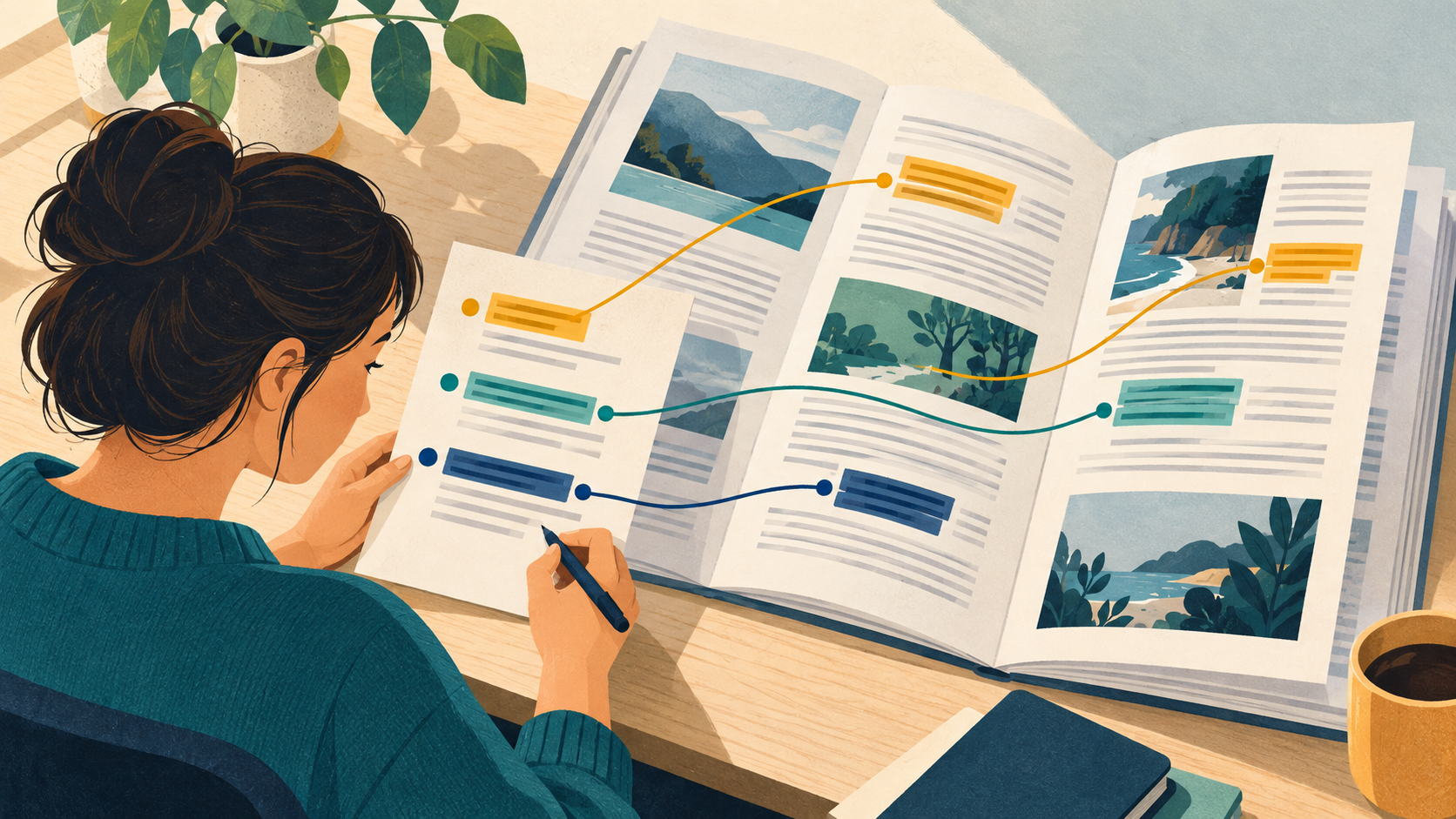
Pick the most consequential statements in the summary and open their source passages. Read the sentences before and after the highlighted text. Check whether the author was describing a finding, proposing a possibility, or discussing someone else's position. Those distinctions should remain visible in the shorter version.
Record a compact review table with the generated claim, source location, source meaning, and correction needed. Do not give every sentence the same review effort. Prioritize numbers, exceptions, recommendations, and claims that someone will repeat in a report or presentation.
Where page numbers differ between the document viewer and the printed page labels, note both. A reference that another colleague cannot locate is less useful even when it points to a genuine passage. Test the handoff with someone who did not prepare the original summary.
Review tables, exclusions, and missing answers
Treat a table summary as a separate check. Compare the row label, column heading, unit, and any notes attached to the value. A number copied from the correct page can still describe the wrong group or time period. Keep the original table available when the summary depends on it.
Ask a question whose answer is absent from the file. The goal is to see whether the tool identifies the gap rather than supplying a plausible completion. If the response includes outside information, establish where it came from before treating it as part of the document's findings.
Check exclusions explicitly. A report may discuss only one region, a manual may apply only to a certain version, or a recommendation may depend on a stated condition. Removing those limits can make a faithful sentence misleading. Restore the limit in the final notes even when doing so makes the summary longer.
Decide whether the result is ready to share
Revise the summary into the format the next reader needs. Separate verified takeaways from questions still requiring a source check. Preserve links or page references instead of copying only polished prose into another tool. Keep the file version and the date of your review with the notes.
Before a larger rollout, check upload permissions, retention, export options, and the current pricing model. These are provider-specific questions, not promises made by this article. If the file contains confidential material, use the handling process approved for that material.
Do not treat a successful pilot as permission to skip review on every future document. A different layout, an older scan, or a more technical subject can introduce new errors. Reuse the review checklist, but adjust the checks to what makes the next document difficult.
FAQ
Is a fluent summary evidence that the PDF was read correctly?
No. Inspect a table, a qualification, and several source passages. Fluency describes the answer's presentation, while those checks test its connection to the document.
Should I ask for a very short summary first?
Choose a length that preserves the information needed for your task. An extremely short answer may remove conditions that matter more than the saved reading time.
Can I share the summary without the original document?
Check sharing rights and the reader's needs. At minimum, preserve enough source references and version information for an authorized reader to verify important statements.
Conclusion
Evaluate a PDF summary generator by the claims you can trace and the limitations it preserves. Define the reading task, inspect difficult passages, and keep source references in the shared result. A modest summary with a clear evidence trail is easier to use responsibly than a confident answer detached from the file.