
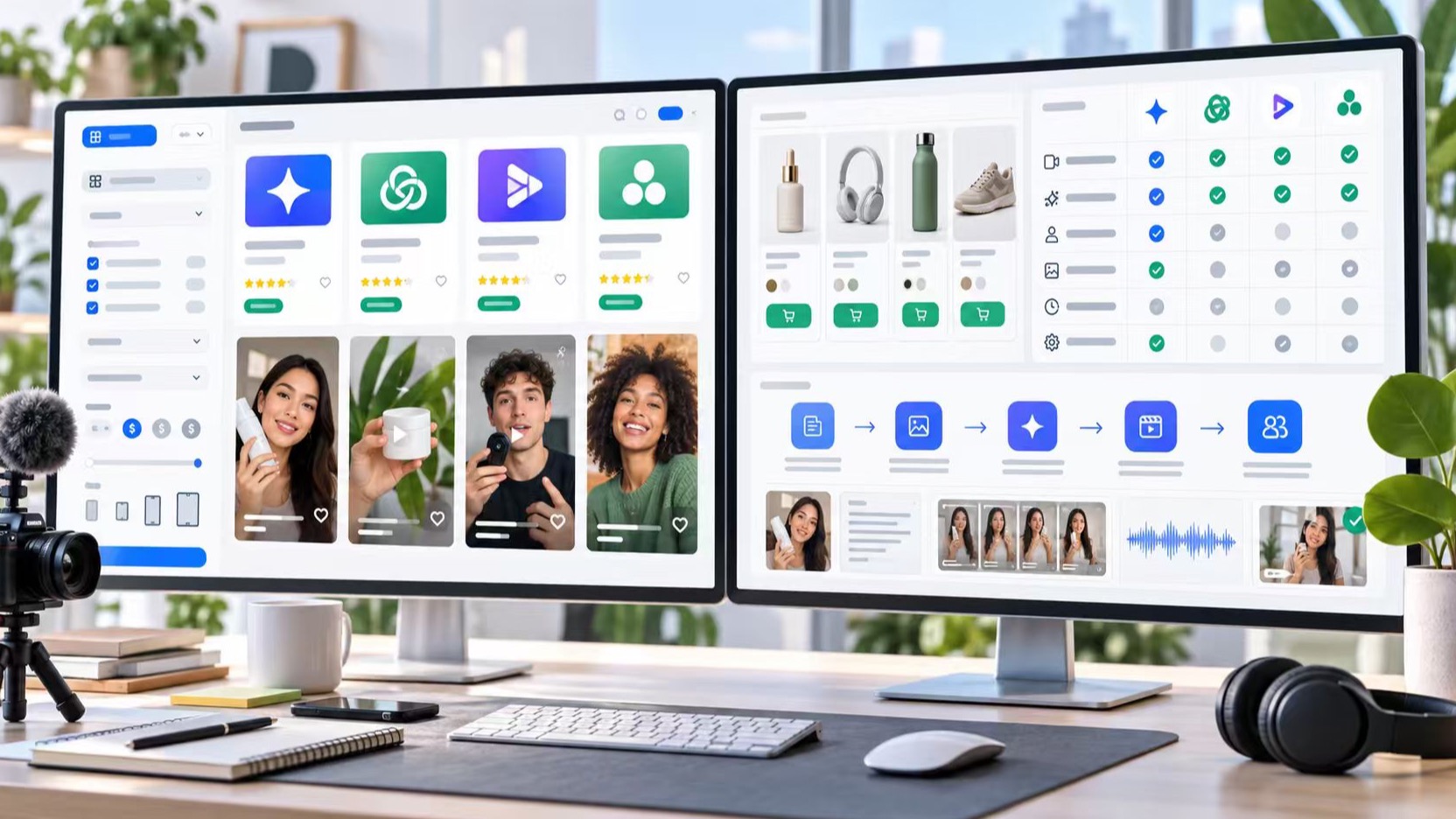
A UGC video tool should help you create creator-style videos that feel native to social platforms, not just produce polished clips that look like generic ads. For ecommerce teams, agencies, founders, and creators, the real challenge is choosing the right AI UGC workflow: avatar videos, video replica tools, script generators, product demo makers, editing apps, or a mix of several tools.
That is why a directory like TopAITools4U is useful for this search intent. Instead of reading one vendor page at a time, buyers need a way to compare AI tools by task, category, pricing, freshness, ratings, and use case. The best answer is rarely “one tool for everything.” It is usually “the right tool for the exact UGC ad job.”
This guide explains how to evaluate UGC video tools, which feature categories matter, where AI UGC generators fit, and what most tool-list SERPs still miss.
Key Takeaways
- UGC video tools fall into different categories: script tools, avatar tools, product video generators, video replica tools, editing apps, and analytics workflows.
- The best AI UGC video generator depends on the job: ecommerce demos, ad variations, creator-style testimonials, localization, or fast testing.
- Search results often list tools but skip selection criteria such as rights, claim safety, source assets, landing page fit, and production workflow.
- A tool directory is most useful when it helps users filter by real tasks, not only by broad labels like “video” or “marketing.”
- Video replica workflows can help teams turn a proven ad structure into new brand-safe creative, but they should not be used to copy competitor assets.
What Is a UGC Video Tool?
A UGC video tool helps creators, brands, or agencies produce videos that resemble user-generated content. The format usually looks casual, direct, and social-first. A typical UGC ad may feature a person explaining a problem, showing a product, reacting to a result, or demonstrating how something works.
Not every tool in this category does the same thing. Some tools help write hooks. Some create AI avatars. Some turn product photos into short videos. Some edit captions and cuts. Others help adapt an existing creative pattern into a new variation.
For searchers, this creates confusion. The phrase “ugc video” may mean:
- A real creator video made by a person.
- An AI avatar video that feels like a creator testimonial.
- An ecommerce product demo in a casual vertical-video style.
- A UGC ad edited for TikTok, Reels, or YouTube Shorts.
- A video made from a reference structure, product image, or URL.
- A workflow for creating many ad variations quickly.
This is why directories and comparison pages should not treat all AI video tools as interchangeable. A tool that is excellent for studio-style avatar narration may not be the best choice for TikTok-style product demos. A tool that generates pretty clips may not support commercial usage rights, bulk creative testing, or ecommerce inputs.
Why Search Intent Around UGC Video Is Mixed
The keyword cluster around UGC video has both informational and commercial intent. Users searching for “ugc video,” “what is ai ugc,” or “ugc ads” may still be learning the category. Users searching for “ai ugc video generator,” “ai ugc generator,” “ugc ai video generator,” or “create ugc ai” are closer to evaluating software.
That mixed intent is important for TopAITools4U content. A strong article should serve beginners and buyers in the same page:
- Define the format clearly.
- Explain the tool categories.
- Show how to compare features.
- Mention common use cases.
- Help users avoid poor-fit software.
- Give a short decision framework.
Most SERP pages answer only part of this. Tool roundups often list products quickly, but they rarely explain which workflow fits which buyer. Beginner guides explain what UGC is, but they may not help users choose between avatar tools, video editors, product demo generators, and video replica workflows.
The missing content is the bridge: how to match the tool to the UGC video job.
The Main Types of AI UGC Tools
The easiest way to choose a tool is to separate the category by job. A buyer who needs five ad variants for one product has a different problem from a creator who needs a polished portfolio video or a marketplace seller who wants product demos from photos.
1. Script and hook generators
Script tools help turn a product, audience, pain point, or offer into UGC-style hooks. They are useful early in the workflow, especially when a team needs variations such as problem-first hooks, testimonial scripts, comparison angles, or objection-handling lines.
These tools are strongest when the team already knows the product and audience. They are weaker when the product brief is vague. A script generator can produce many lines, but it cannot verify whether the claims are accurate or whether the angle matches the landing page.
Best for:
- Brainstorming hooks.
- Creating creator briefs.
- Testing message angles.
- Building caption and voiceover drafts.
2. AI avatar UGC tools
Avatar tools create videos featuring AI presenters or digital spokespeople. They are useful when a team wants face-to-camera content without scheduling creators for every variation.
They can be strong for explainers, localization, onboarding, product education, and quick paid-ad tests. The main tradeoff is authenticity. Some avatar output can feel too polished, stiff, or corporate for true UGC-style ads. Buyers should check facial expression quality, voice quality, licensing, language support, export formats, and commercial usage rights.
Best for:
- Fast presenter-style videos.
- Multilingual campaigns.
- Product explainers.
- Educational ads.
3. Product video generators
Product video generators turn product photos, links, or descriptions into videos. For ecommerce teams, this category is often more relevant than a generic AI video editor.
The best tools in this group understand product context: product image, use case, benefit, audience, offer, and destination page. They may generate demos, lifestyle scenes, transitions, captions, and social-first ad formats.
Best for:
- Ecommerce product ads.
- Marketplace sellers.
- Social shopping campaigns.
- Product launches.
4. Video replica and reference-based workflows
Video replica workflows help teams recreate a structure, pacing, or creative pattern as a new brand-safe video. This does not mean copying a competitor. It means using a proven pattern as a reference while changing the product, script, claims, assets, and brand message.
For example, if a team learns that “problem, quick demo, before-and-after, offer” performs well for a category, a video replica workflow can help create a new version around the team’s own product and assets.
For ecommerce and performance marketers, a tool like Oumomo video replica can fit this stage of the workflow: after the team identifies a useful creative pattern, but before it needs to generate new UGC video ad variations for testing. Keep the use case clean: replicate the structure and learning, not someone else’s protected creative.
Best for:
- Turning winning structures into new variations.
- Rebuilding product-specific ad concepts.
- Scaling creative tests without starting from zero.
- Keeping UGC ads aligned with real references.
5. Editing, captioning, and repurposing tools
Editing tools help polish the output. They may add captions, crop for platforms, clean audio, cut pauses, resize for vertical video, or produce multiple aspect ratios.
These tools are often overlooked because they are not always branded as “AI UGC” tools. But they can be essential. A strong UGC video can fail if the caption timing is poor, the first frame is weak, or the export format does not match the platform.
Best for:
- Captioning.
- Short-form editing.
- Repurposing long clips.
- Exporting multiple formats.
How to Choose the Best AI UGC Video Generator
The best tool is the one that matches your production bottleneck. Before comparing logos, compare tasks.
- Need ideas and hooks? Choose a script generator and check prompt quality, angle variety, and brand voice controls.
- Need face-to-camera content? Choose an avatar UGC tool and check realism, voice quality, licensing, and language support.
- Need product demos? Choose a product video generator and check its product inputs, image handling, and ecommerce templates.
- Need ad variations from references? Choose a video replica workflow and check structure adaptation, asset controls, and brand safety.
- Need final polish? Choose an editing or captioning tool and check caption controls, crop formats, and export quality.
- Need tool discovery? Use an AI tool directory and compare filters, categories, pricing, freshness, and reviews.
This table is more useful than a simple “top 10 tools” list because it starts from the user’s job. A founder with no footage needs a different tool from an agency that already has winning UGC examples. A creator editing client videos needs a different workflow from an ecommerce seller turning product pages into ads.
When using TopAITools4U or any AI tools directory, search by task first. Start with the business problem:
- “I need AI UGC ads for a product.”
- “I need to create UGC videos from product images.”
- “I need avatar ads in multiple languages.”
- “I need to remake a successful ad structure with my own brand assets.”
- “I need captioning and short-form editing.”
Then compare tools inside that narrower category.
Feature Checklist for UGC Video Tools
A polished demo video is not enough. Before choosing a UGC video tool, evaluate the features that affect publishing, testing, and compliance.
Commercial usage rights
Check whether the tool allows paid advertising, client work, ecommerce campaigns, and social media distribution. Rights can differ by plan. Avatar likeness, voices, stock assets, music, and templates may have separate licensing terms.
Product input support
For ecommerce, the tool should accept the inputs you actually have: product photos, product URLs, descriptions, reviews, brand assets, or existing clips. A tool that requires high-quality footage may not work for a seller starting from a product page.
Output style
Some tools create polished studio ads. Others create casual UGC-style clips. Look at real examples. Does the output feel native to TikTok, Reels, Shorts, and paid social? Or does it look like a generic corporate explainer?
Editing control
The first draft is rarely final. Check whether you can edit the script, reorder scenes, change captions, swap assets, adjust voiceovers, and export multiple aspect ratios.
Localization
If you sell internationally, evaluate languages, accents, subtitles, translated scripts, local currencies, and cultural fit. A translated UGC ad still needs to feel natural in the target market.
Brand safety and claim review
AI tools can generate confident claims that are not safe to publish. Teams need human review for product claims, regulated categories, pricing promises, before-and-after language, and comparative statements.
Workflow speed
Speed matters, but only when the workflow remains controllable. A tool that generates hundreds of low-quality clips may create more review work than it saves. Look for tools that help you generate fewer, better variations tied to clear creative hypotheses.
Where TopAITools4U Fits in the Buyer Journey
TopAITools4U is best positioned as a discovery and evaluation layer. The site helps users explore AI tools by category and compare options before they commit to a workflow. For UGC video, that matters because buyers are often choosing across several tool types rather than picking one obvious product.
A useful directory page for this topic should help users answer:
- Which tools create AI UGC videos?
- Which tools are better for UGC ads?
- Which tools support ecommerce product inputs?
- Which tools focus on avatars?
- Which tools are better for editing or captioning?
- Which tools help with video replica workflows?
- Which tools are updated recently?
- Which tools have pricing that fits a small team or agency?
That is the content gap a tool directory can fill. Vendor pages explain why one tool is good. A directory helps users understand the category and narrow the field.
For SEO, this also improves search fit. A directory article can target informational queries like “what is a UGC video” and commercial queries like “best AI UGC video generator” without becoming a thin affiliate-style list. The page earns usefulness by teaching the selection logic.
What Most UGC Tool Roundups Miss
Many AI tool roundups are too shallow. They list product names, a few features, and a pricing note. That helps readers skim, but it does not help them choose.
Here are the missing pieces worth adding to any UGC video tools page.
Tool category is more important than tool count
A list of 30 tools may look comprehensive, but it can overwhelm the reader. A better page groups tools by job: avatars, product videos, video replica, script writing, editing, analytics, and localization.
The source asset matters
Some users start with no assets. Others have product photos, creator videos, product pages, reviews, or competitor references. A tool’s usefulness depends on what input it accepts.
UGC ads need landing page alignment
A UGC video should not promise something the product page does not support. If the ad says “see instant results,” the landing page and proof should support that claim. If the ad mentions a discount, the destination page should show it clearly.
AI output still needs rights and review
AI-generated avatars, voices, music, and stock-like footage require licensing checks. Ad claims need review. This is not a creative-only decision; it is also a publishing and compliance decision.
The best workflow is often a stack
One team may use a script tool, a product video generator, a video replica workflow, and an editing tool together. A directory can help readers build a stack rather than force them into a single-tool mindset.
A Simple UGC Video Tool Selection Framework
Use this framework before signing up for any tool.
Step 1: Define the campaign job
Write one sentence: “We need to create [type of UGC video] for [product/audience] on [platform] to test [angle].”
Example: “We need to create UGC video ads for a skincare product on TikTok to test problem-first hooks around dry skin.”
Step 2: Identify your starting assets
List what you already have:
- Product page.
- Product photos.
- Existing videos.
- Customer reviews.
- Script ideas.
- Competitor references.
- Brand guidelines.
- Creator footage.
The fewer assets you have, the more you need a generator. The more assets you have, the more you may need editing, repurposing, or video replica tools.
Step 3: Pick the tool category
Choose based on the bottleneck:
- No ideas: script generator.
- No presenter: avatar tool.
- No video footage: product video generator.
- Need variations from proven patterns: video replica workflow.
- Need polish: editing and captioning tool.
- Need research: directory and comparison workflow.
Step 4: Test one small campaign
Do not start with 50 videos. Start with a small matrix: three hooks, two proof angles, and two calls to action. That gives you enough variation to learn without flooding your review process.
Step 5: Review before publishing
Check claims, rights, subtitles, export quality, platform format, landing page alignment, and brand tone. UGC should feel casual, but the review process should be disciplined.
Final Recommendation
If you are choosing a UGC video tool, do not start with the longest list. Start with the job. Decide whether you need scripts, avatars, product videos, video replica workflows, editing, localization, or a full stack.
For directory readers, the best path is simple:
- Learn the category.
- Filter tools by task.
- Check rights and output examples.
- Run a small campaign test.
- Keep the tools that shorten the workflow without weakening brand safety.
The right AI UGC generator should make your creative process faster, but it should also make the output more relevant. A strong tool helps you produce UGC video ads that match the product, the platform, the audience, and the claim you can actually support.
FAQ
What is a UGC video?
A UGC video is a creator-style video that looks like content made by a real user, customer, creator, employee, or relatable spokesperson. In advertising, it usually explains a problem, shows a product, gives proof, and ends with a call to action.
What is an AI UGC video generator?
An AI UGC video generator is software that helps create user-generated-style videos with AI. It may generate scripts, avatars, product demos, captions, voiceovers, or full video variations for social ads.
What is the best UGC video tool?
The best UGC video tool depends on the job. Use a script generator for hooks, an avatar tool for presenter videos, a product video generator for ecommerce demos, a video replica workflow for reference-based variations, and an editor for captions and platform formatting.
Are AI UGC videos good for ads?
AI UGC videos can be useful for ad testing when the claims are accurate, the assets are licensed, and the output feels native to the target platform. They still need human review for brand safety, compliance, and landing page alignment.
What should I check before using AI UGC ads?
Check commercial usage rights, avatar or voice licensing, product claim accuracy, subtitle quality, export formats, platform rules, and whether the video matches the landing page experience.
Can I use a video replica tool to copy competitor ads?
No. A video replica workflow should be used to adapt a structure, pacing, or creative pattern into a new brand-safe video with your own product, script, assets, and claims. Do not copy protected competitor creative.
How can an AI tools directory help with UGC video workflows?
An AI tools directory helps users compare categories, pricing, freshness, ratings, and use cases. For UGC video, this is useful because many teams need a stack of tools rather than one all-in-one product.